
Manage your account settings
Your personal account settings control your profile, notifications, security, and account deletion. These settings apply to you as a user across all workspaces you belong to, and are separate from workspace-level settings.
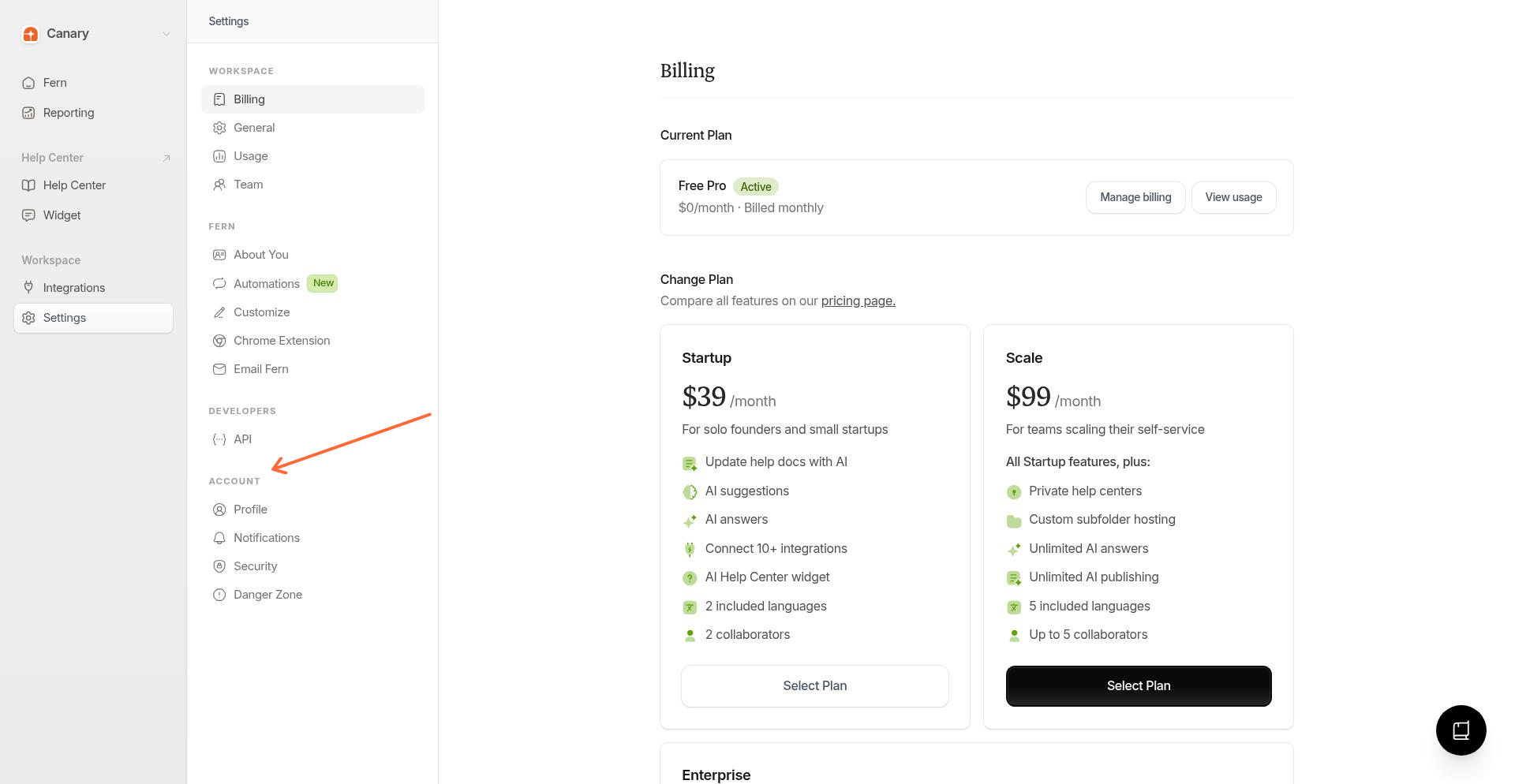
Access your account settings
From the Ferndesk dashboard, select Settings in the left sidebar.
In the Settings sidebar, look for the Account section.
What you can manage
The Account section contains four areas:
Profile - Update your display name and profile photo. See Update your profile.
Notifications - Control email and browser alerts, and manage subscribed devices. See Manage notification preferences.
Security - Change your Ferndesk password. See Change your Ferndesk password.
Danger Zone - Permanently delete your workspace. See Delete your workspace.
Looking for billing, team members, or workspace configuration? Billing is managed at the billing account level through workspace settings, and team members and workspace configuration are workspace-level settings. See How billing accounts work. See Managing your workspace settings.