
You need to be signed into your Ferndesk workspace before connecting an integration. Make sure you're logged in and that you're in the correct organization. If you have access to multiple Ferndesk workspaces, switch to the one where you want to add the HubSpot connection.
HubSpot integration
Connect your HubSpot account to Ferndesk to migrate your help center or import your support tickets. Fern uses this data to generate and update your help center content automatically.
You'll need access to your HubSpot knowledge base and support inbox to complete this connection.
Connect HubSpot
1
Go to Integrations
From your Ferndesk dashboard, click Integrations in the sidebar and select the Support tab.
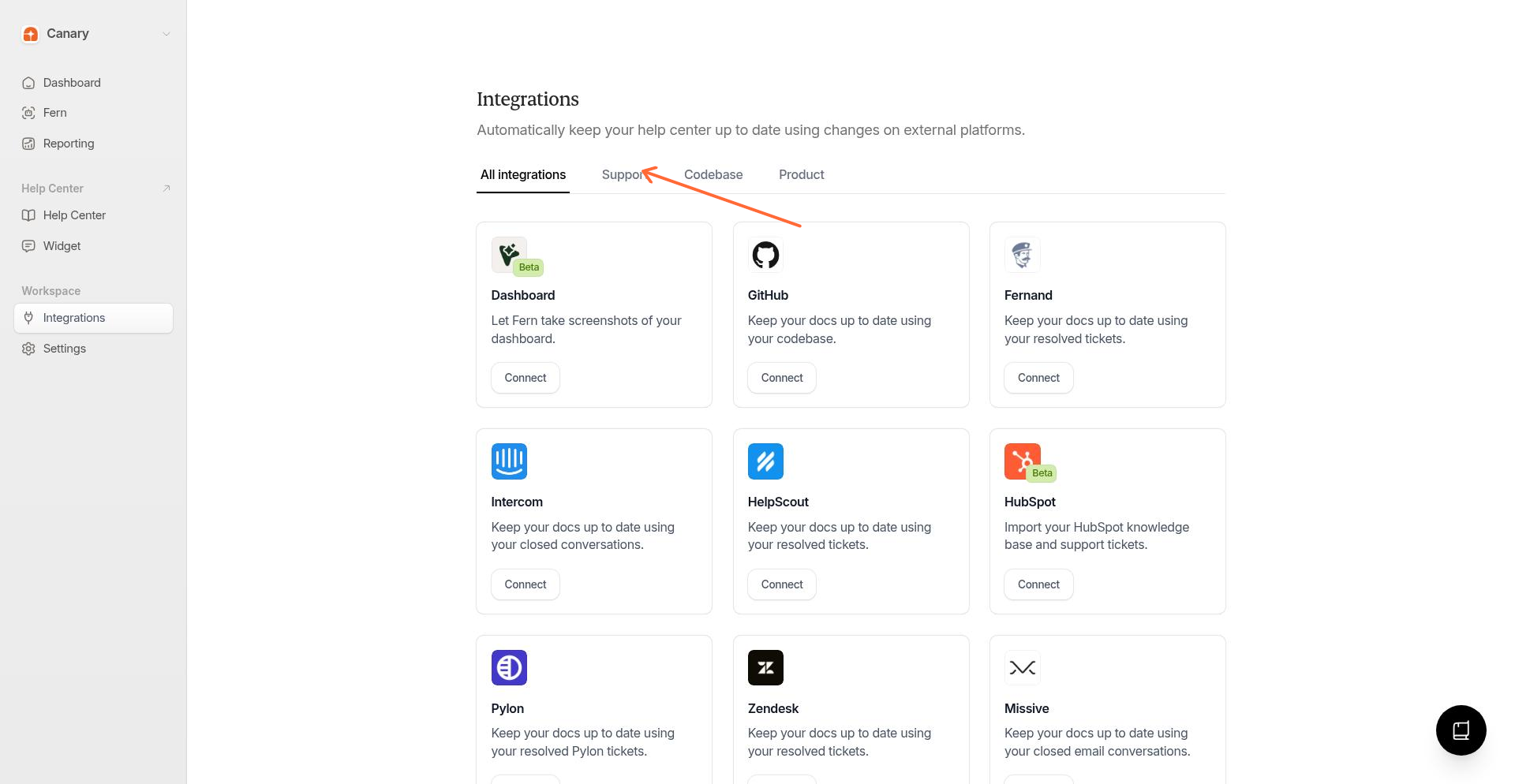
Make sure you're signed into the correct Ferndesk workspace. The integration will connect to the organization you're currently viewing.
2
Click Connect
Find the HubSpot integration card and click Connect.
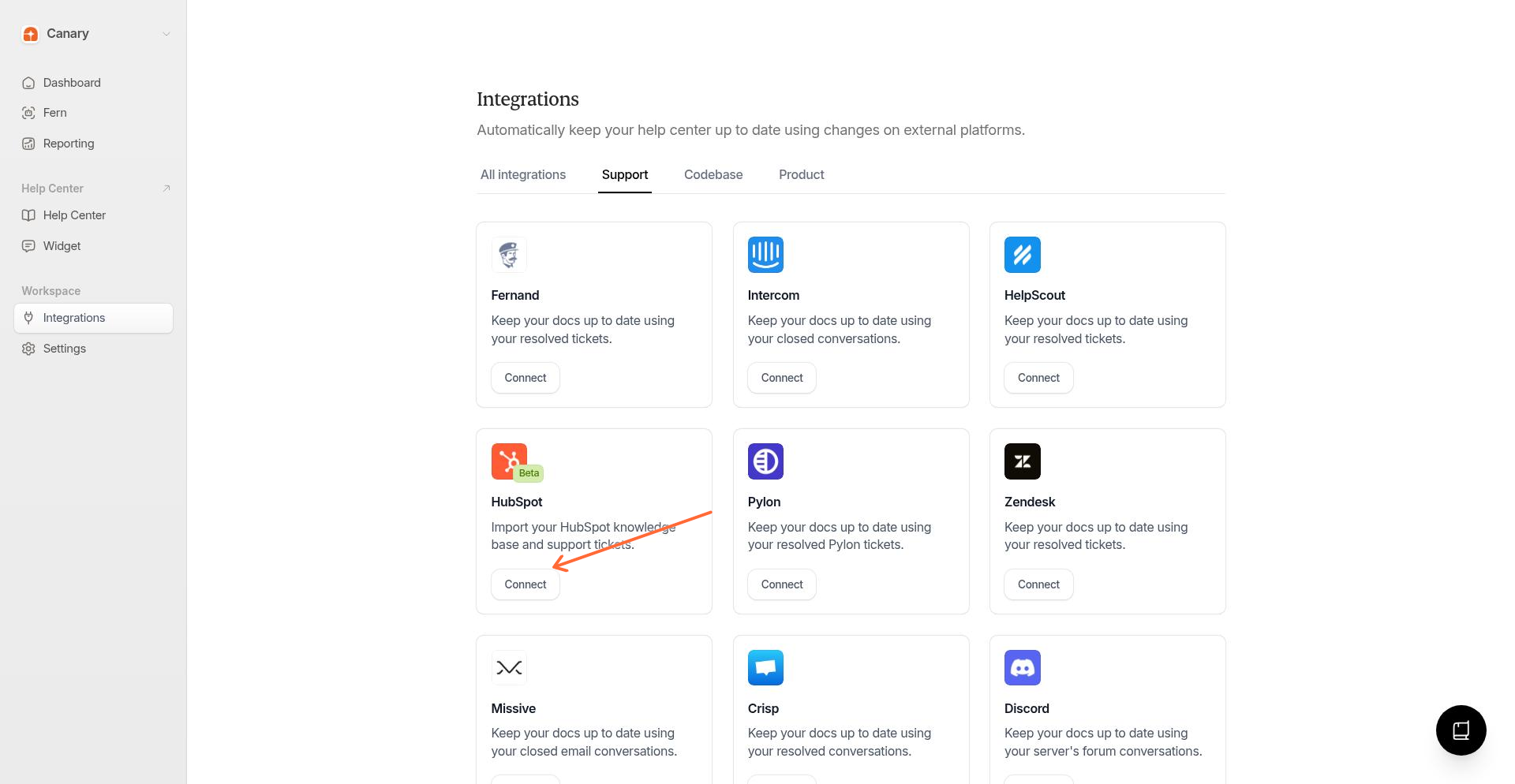
In the modal, click Connect to authorize the integration.
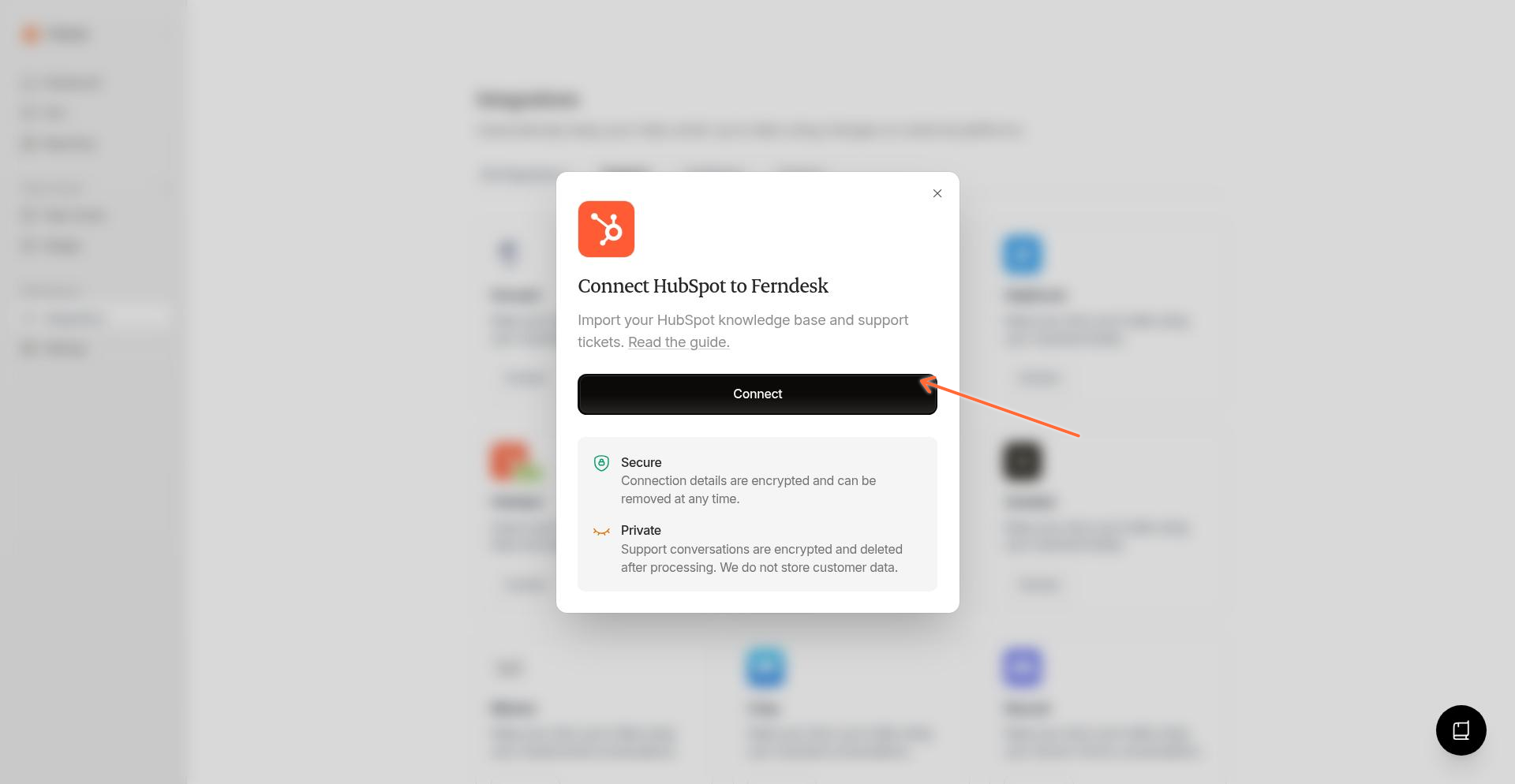
3
Authorize in HubSpot
You'll be redirected to HubSpot to grant permissions. After authorizing, you'll return to Ferndesk and your HubSpot connection will be active.
Fern automatically syncs your HubSpot knowledge base articles and support conversations to keep your help center current.
Manage connections
After connecting, the HubSpot card shows Manage connections. Click it to view your connections, add additional HubSpot accounts, or reconnect if authorization expires.
Troubleshooting
I see "Authentication required to connect HubSpot"
I see "HubSpot OAuth organization does not match the active session"
The HubSpot account you're authorizing belongs to a different organization than the one you're signed into in Ferndesk. Make sure you're:
Signed into the correct Ferndesk workspace
Authorizing the HubSpot account that corresponds to that Ferndesk organization
If you need to connect a different HubSpot account to a different Ferndesk organization, switch to that organization in Ferndesk first, then connect HubSpot.
The HubSpot authorization page shows an error
This can happen if:
Your browser blocked a popup—check your browser's address bar for a blocked popup notification
Your session expired—try signing out of Ferndesk and signing back in
The OAuth state became invalid—close the authorization window and click Connect again in Ferndesk
Was this helpful?