
How to Add a Translation
Add a language to translate your help center content. Ferndesk uses AI to translate all articles, collections, and settings automatically.
Steps
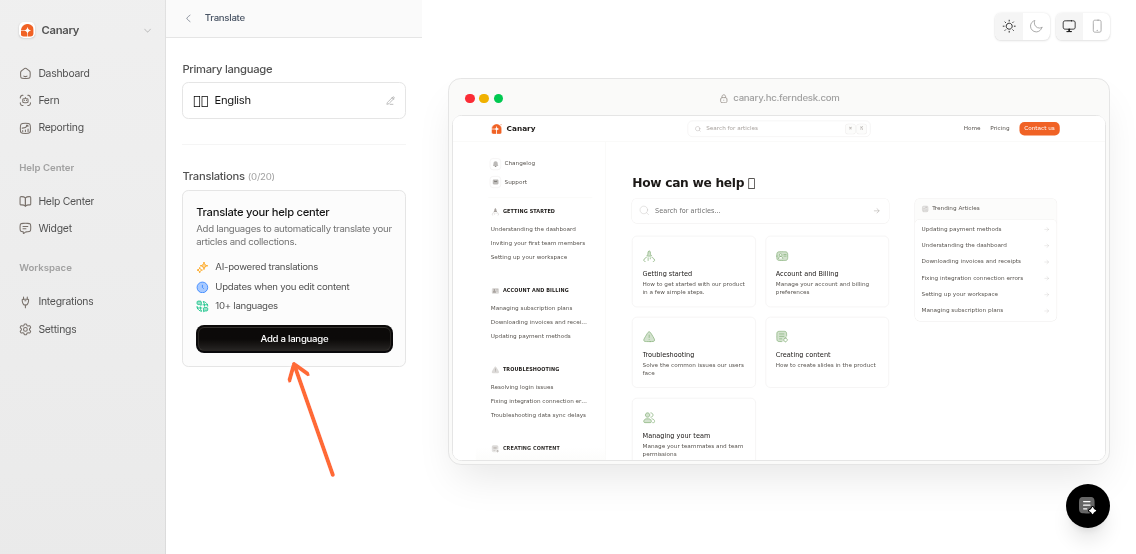
Go to Help Center > Translate
Click Add Language
Select a language from the dropdown
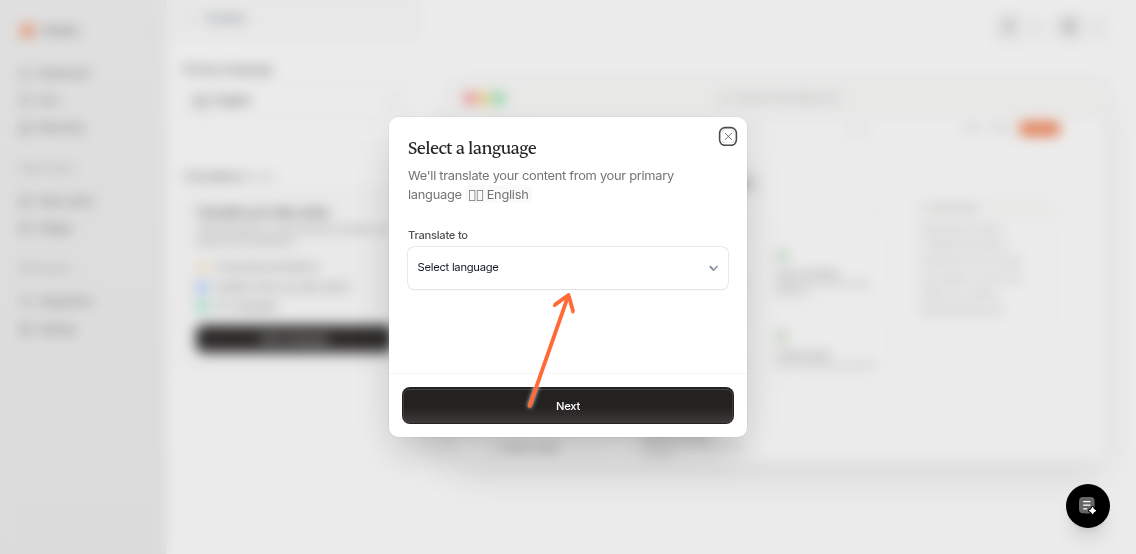
Click Add. Your translation will show up in the translation list.
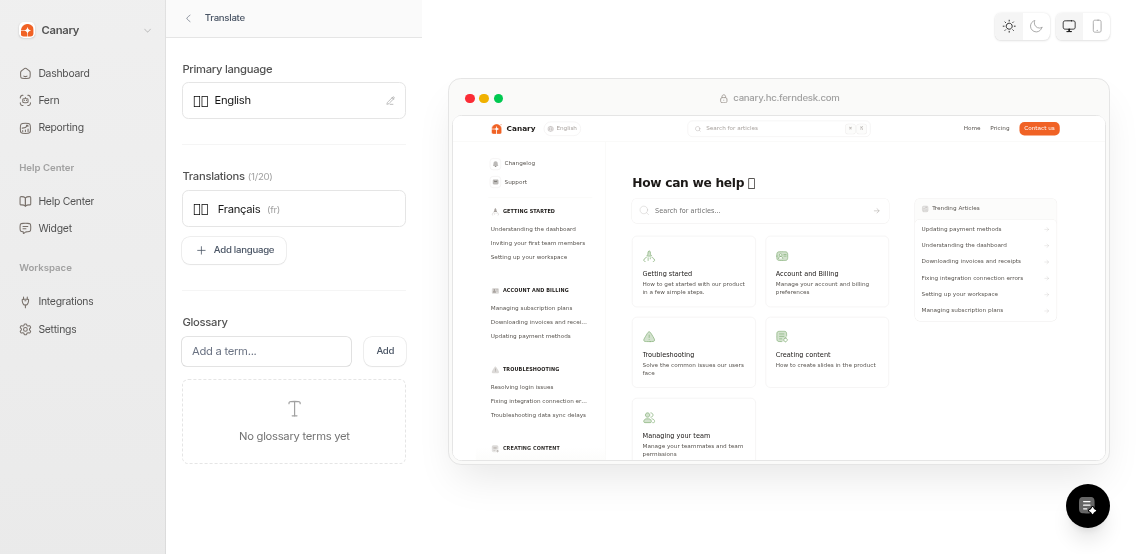
Small help centers finish in minutes. Larger ones can take a few hours. You can continue working while translations process.
¿Te fue util?