
You need to be signed into your Ferndesk workspace before connecting an integration. Make sure you are logged in and that you are in the correct organization. If you have access to multiple Ferndesk workspaces, switch to the one where you want to add the GitHub connection.
GitHub integration
Connect your GitHub account to Ferndesk so Fern can browse your codebase and understand how features work, which helps generate more accurate and relevant help center articles.
You need a GitHub account to complete this integration. If you do not have one, create one on the GitHub website.
Connect GitHub
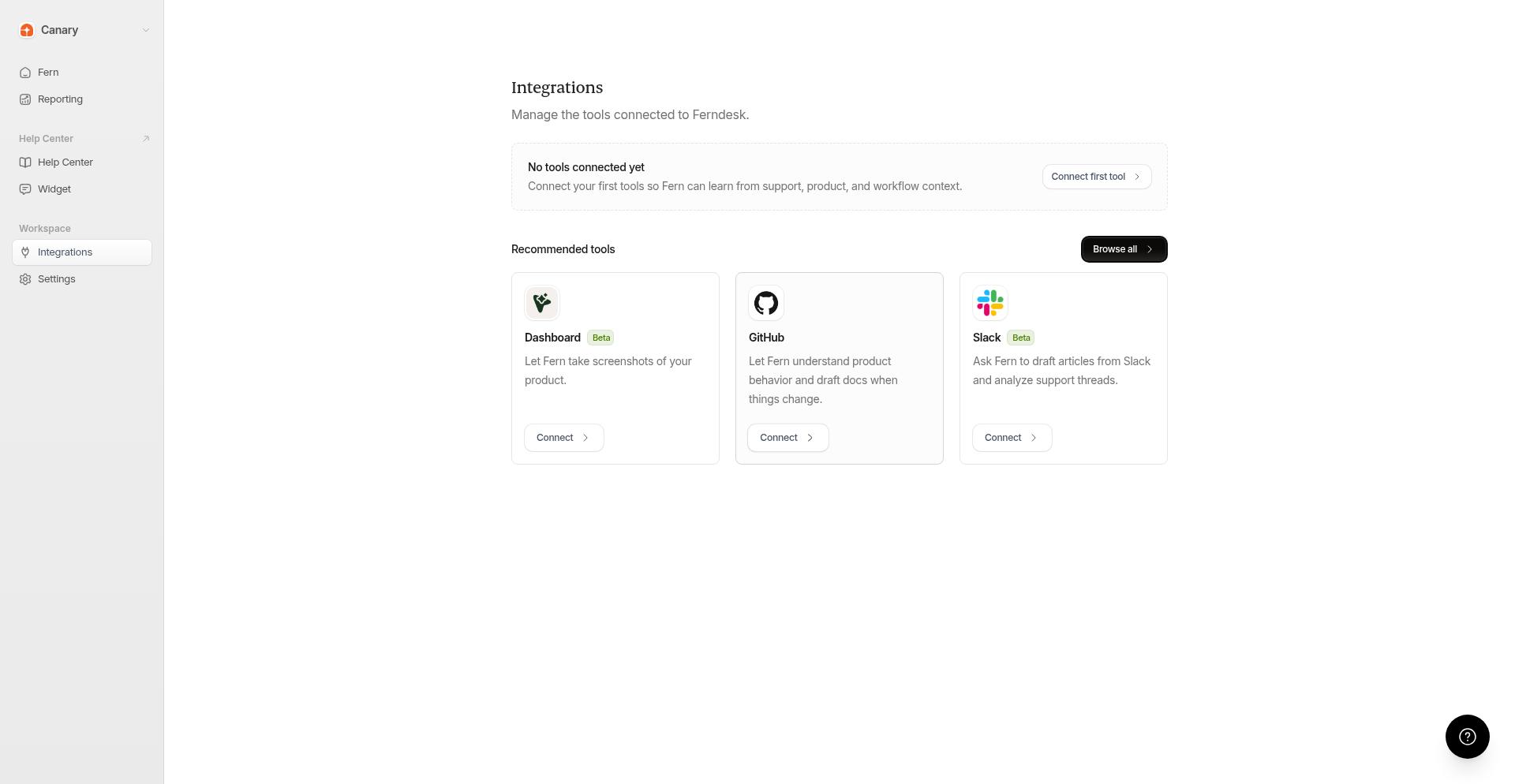
From your Ferndesk dashboard, click Integrations in the sidebar.
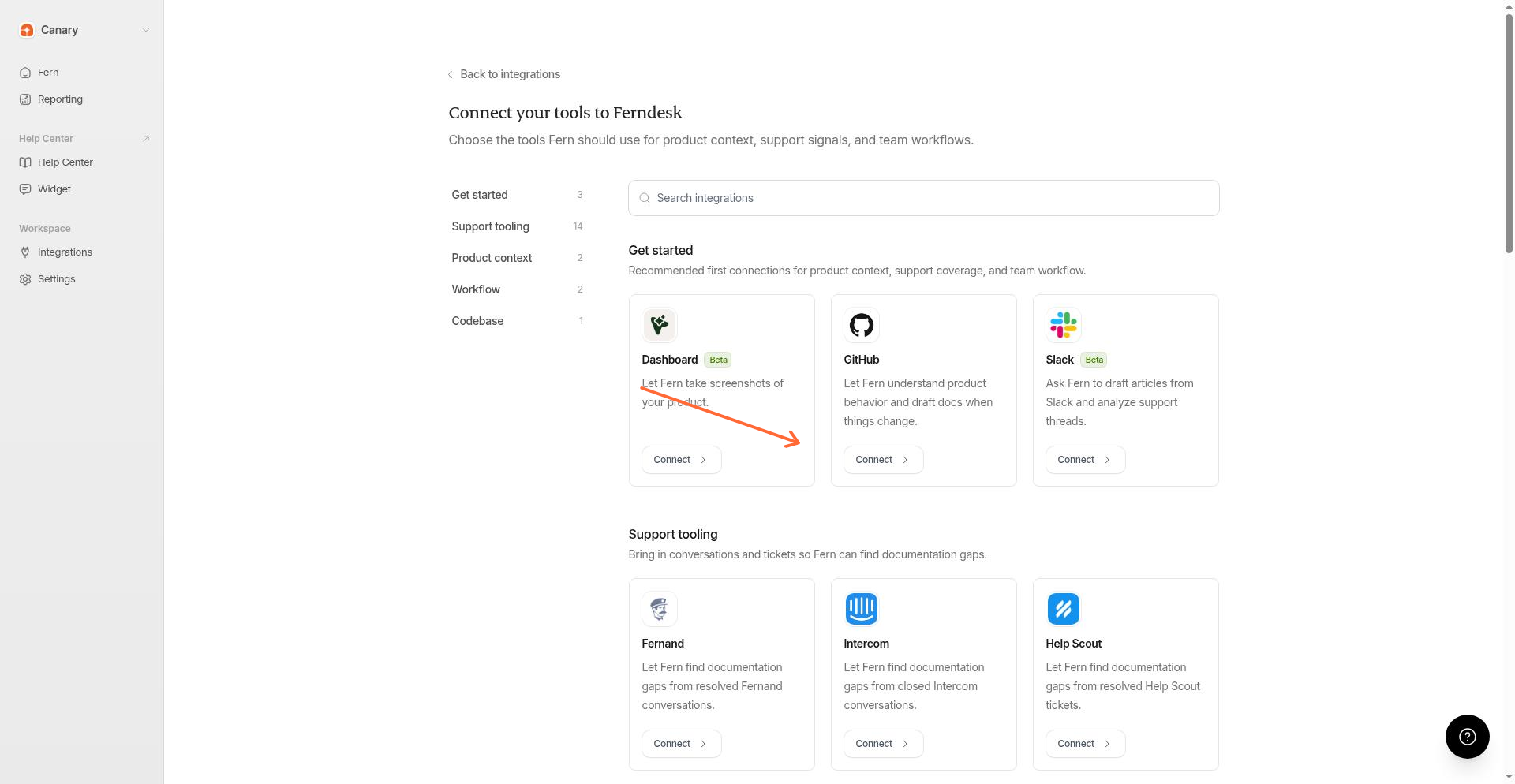
Find the GitHub card and click Connect.
You will be redirected to GitHub to authorize the connection. Log in to your GitHub account if you are not already logged in.
Grant Ferndesk permission to access your GitHub account. You can select which repositories to connect. You can choose multiple repositories if your project spans multiple repos, such as a backend and dashboard in separate repositories.
After authorizing, you will be redirected back to Ferndesk. The GitHub integration will show as connected.
Once connected, Fern can browse your codebase to provide more accurate and relevant help center articles.
Manage connected repositories
After your initial setup, you can add or remove repositories by visiting your GitHub app settings. Go to your GitHub account settings, navigate to Applications, and find Ferndesk in your installed integrations to adjust repository access.
Repository and branch scoping
When Fern browses your codebase, it can target a specific repository or branch from your connected GitHub account instead of relying only on the default repository.
If you have multiple repositories connected, Fern can focus on the relevant repo during analysis. For branch-specific work, such as reviewing an unreleased feature or a pull request, Fern can also browse a specific branch when one is provided.
To let Fern browse a repository, make sure it is connected in your GitHub integration. Go to your GitHub account settings, navigate to Applications, and find Ferndesk to add or remove repository access.
Troubleshooting
I see "Authentication required to connect GitHub"
I see "GitHub OAuth organization does not match the active session"
The GitHub account or organization you are authorizing belongs to a different organization than the one you are signed into in Ferndesk. Make sure you are:
Signed into the correct Ferndesk workspace
Authorizing the GitHub account or organization that corresponds to that Ferndesk organization
If you need to connect a different GitHub organization to a different Ferndesk workspace, switch to that workspace in Ferndesk first, then connect GitHub.
The GitHub authorization page shows an error
This can happen if:
Your session expired. Try signing out of Ferndesk and signing back in.
The OAuth state became invalid. Close the authorization window and click Connect again in Ferndesk.
Additional resources
For more information on GitHub features, visit the GitHub Documentation.
Was this helpful?