
View and download invoices
Your billing history lives in the Stripe Customer Portal. Download invoice PDFs for your records or accounting.
1
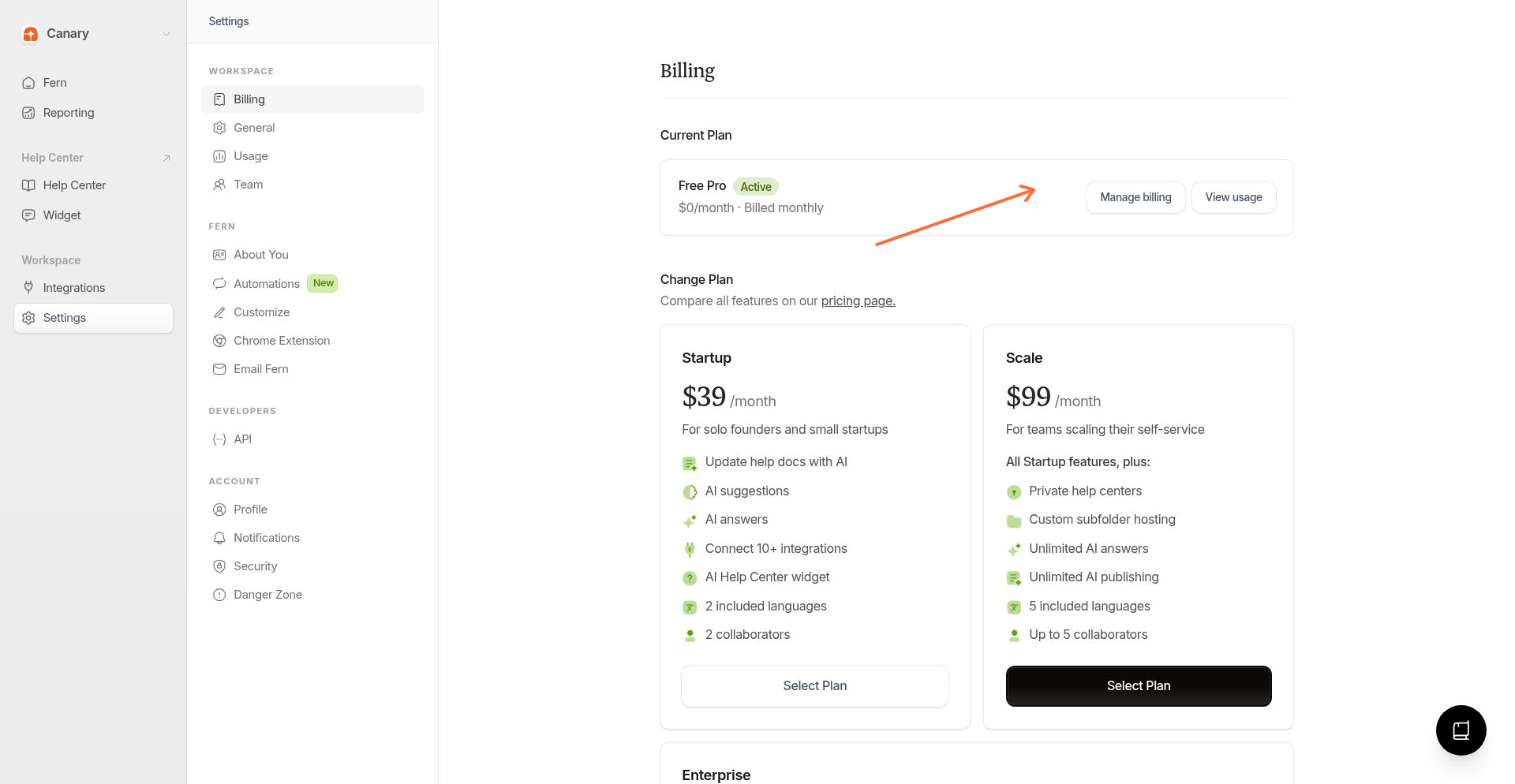
Open Billing settings
From the sidebar, go to Settings → Billing.
2
Open the customer portal
Click Manage billing to open the Stripe Customer Portal.
3
View invoice history
In the portal, look for your invoice history. Click any invoice to see details or download the PDF.
Invoices show the payment date, amount, plan, and billing address.
What's on invoices
Payment date and amount
Plan or credit purchase details
Billing address
Tax information (if applicable)
Related
Was this helpful?