
How to invite team members to Ferndesk
Invite team members to your Ferndesk organization. Only owners and admins can send invitations.
You must be an organization owner or admin to invite team members.
Go to Settings in the sidebar, then click Team under the Workspace section
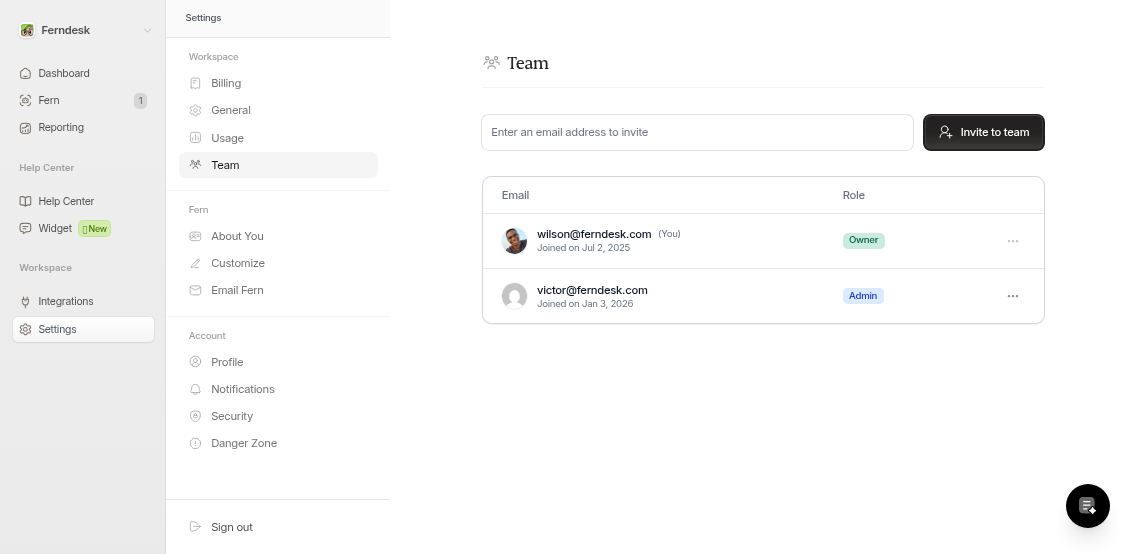
Enter the email address in the input field
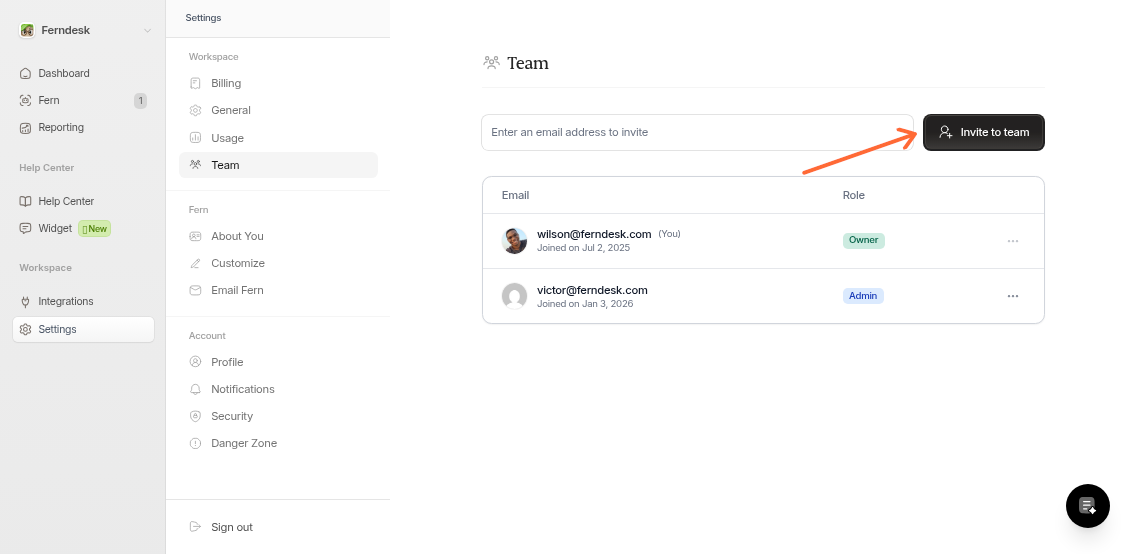
Click Invite to team
The invitation is sent immediately
What Happens Next
After you send an invitation:
The invited person receives an email with the subject "Join [your organization] on Ferndesk"
They click the link and enter their first name to accept
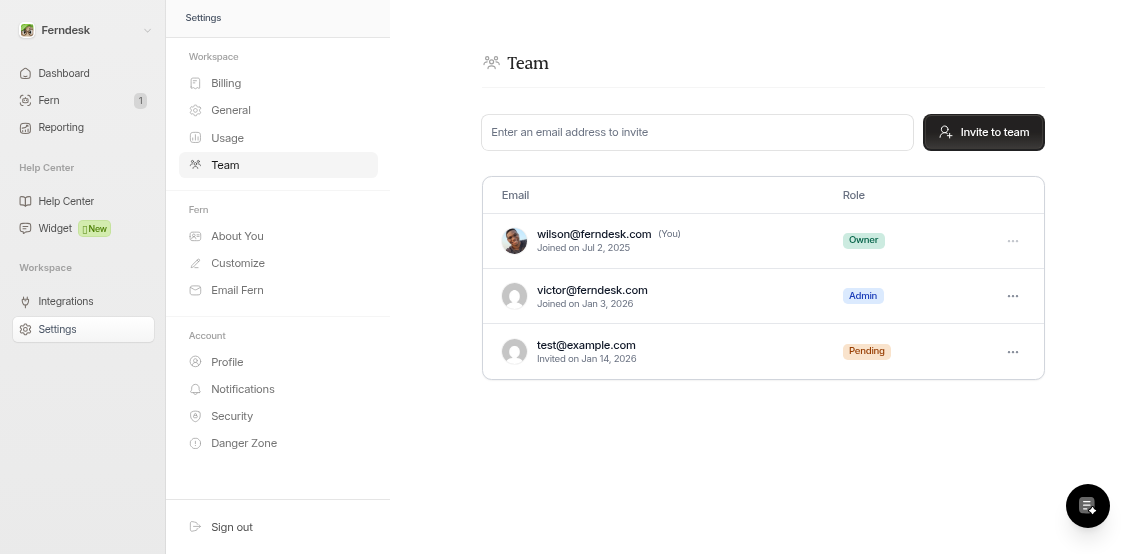
Invited users appear in your team list with a "Pending" badge until they accept
Once accepted, they join as an Admin with full access to your organization
Limitations
Invitations expire after 2 days
Only owners and admins can manage team invitations
Was this helpful?